📌 Key Takeaways
- 83% of quote requests arrive via email — the inbox is the real front line
- Being first to respond wins over 50% of quotes
- CRM tracks the pipeline, TMS holds records — but nobody manages the inbox between them
- 7 symptoms: missed RFQs, duplicate replies, lost threads, CC chaos, buried attachments
- 85% of UAE residents prefer WhatsApp — creating channel duplication on top of email
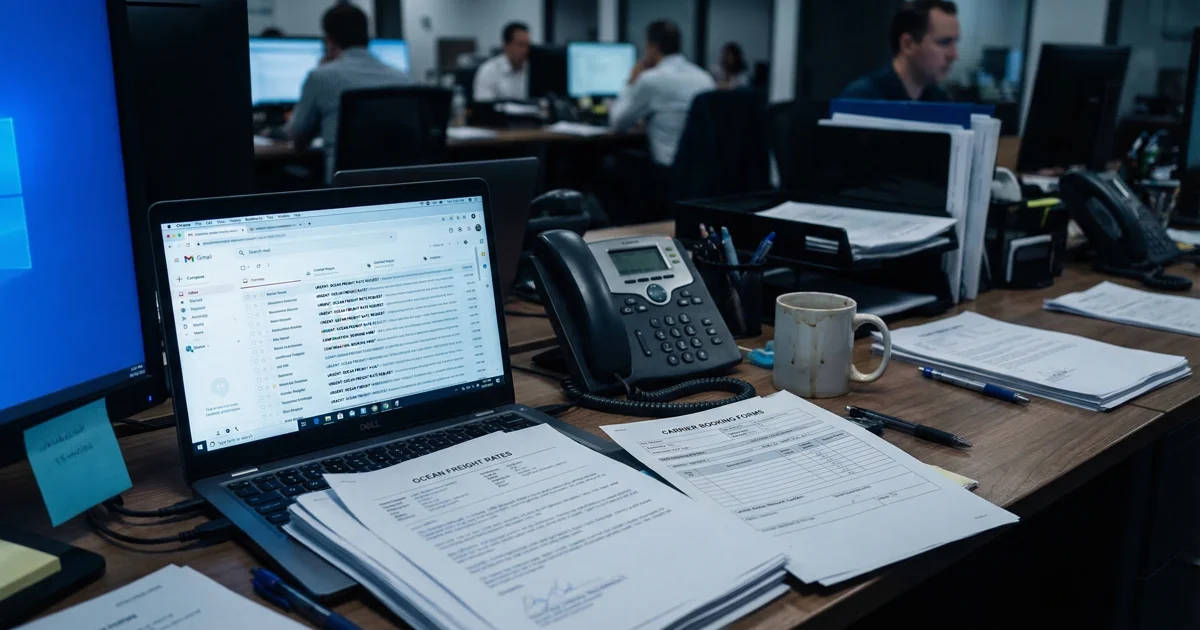
Your freight forwarding CRM tracks the pipeline. Your TMS holds the records. But where does the actual work happen - the rate requests, the missing documents, the urgent follow-ups?
It happens in the inbox. And nobody manages that.
That is the uncomfortable truth inside many forwarding teams. The deal may be visible in a freight forwarding CRM, and the shipment may exist in a TMS, but the real work still lives in email: rate requests, follow-ups, missing documents, status questions, carrier replies, and all the exceptions that never fit neatly into a field.
Sedna says that about 83% of quote requests arrive via email. If that is where most quote requests start, then the inbox is not a side channel. It is the front line. So why do teams keep searching for better freight forwarder software when the real bottleneck is an unmanaged inbox?
The inbox is where freight actually happens
Freight is won or lost in small moments. A quote request lands at 8:42. A customer asks for a revised rate at 9:17. A carrier sends a cutoff reminder. Someone is waiting on a packing list, someone else is chasing a release, and a customer asks for status before lunch.
Sedna also reports that when their team is first to respond to a quote request, they win over 50% of the time. The Cooperative Logistics Network makes the same point from the shipper side: whoever replies fastest with the most useful information usually wins the job. Speed is not a vanity metric in forwarding. It is revenue.
The problem is that speed breaks when ownership is fuzzy. One email sits unread because everyone assumes someone else has it. Another gets answered twice.
Logixboard notes that a single booking can involve 10 to 20 emails per shipment. That means the real operational flow is not one clean handoff. It is a moving conversation spread across people, inboxes, and time.
What CRM actually does - and what it misses
A good freight forwarding CRM has a clear job. It helps a commercial team track leads, accounts, opportunities, and follow-ups.
Salesforce describes CRM as a way for transportation and logistics companies to manage shipper interactions across sales, customer service, and marketing. Magaya says its CRM helps forwarders grow pipeline, turn more leads into customers, and give sales management visibility across the team's efforts.
That is all useful. It is also not the same thing as running the inbox.
A CRM tells you who the customer is and where the opportunity sits in the pipeline. It does not tell you which message needs action in the next 12 minutes, or whether two people are already answering the same chain.
Teams buy a freight forwarding CRM expecting operational calm. What they get is better commercial visibility. The inbox chaos remains exactly where it was.
Dealing with the same challenge?
Book a free 30-min call — we'll map your email workflow together.
Book a Free Call →What TMS actually does - and what it misses
A TMS is the system of record. It stores jobs, milestones, shipment details, references, documents, and status history once the shipment is defined well enough to enter cleanly.
That is valuable, but it happens after somebody has already made sense of the inbox. Before the record is clean, the work is messy: emails with partial routing, customer requests buried under long chains, and exceptions sitting in someone's personal mailbox.
FreightWaves reports that operators spend around 20% of their day on document handling. The hard part is rarely storing the final record. It is collecting the right fragments from scattered messages.
So the usual setup creates a blind spot. CRM handles the opportunity. TMS handles the record. But nobody owns the inbox layer between them.
7 symptoms of inbox chaos

If this problem feels vague inside your business, look for these seven signals.
- Missed RFQs. The Cooperative Logistics Network puts it plainly: many clients do not ignore you on purpose, your email simply gets buried under a dozen others.
- Emails sitting unread while customers wait. In forwarding, slow reply time is often interpreted as low priority.
- Duplicate replies from the team. Front's case study with LGI describes a setup where people were replying to messages 2 to 3 times because nobody knew who owned them.
- Lost threads. Front also notes that forwarding as a new conversation creates a brand-new thread, which breaks context.
- Ops coordination by forwarding emails. Billing, warehouse, customer service, and ops keep throwing messages at each other instead of working from one shared flow.
- CC and BCC chaos. Sedna highlights the alignment issue directly: teams are often unclear on who is managing which accounts.
- Critical information buried in long chains. Sedna warns that long quote chains can become nearly unreadable.
Sound familiar? They also compound. A missed RFQ becomes a lost quote. A duplicate reply makes the team look disorganized. A buried attachment delays a document. A broken thread forces someone to ask the customer for the same information again.
🔧 Quick Win: How to fix 80% of inbox chaos in a day
You do not need a 12-month project to reduce the pain. Most teams can clean up a big share of inbox chaos in one day if they commit to four operating rules.
1. Put inbound freight email into a shared inbox.
Front's logistics examples and Help Scout both show the same principle: one team view beats ten personal mailbox views. If the request matters to the business, it should not depend on one person being online.
2. Route by request type.
Quote requests go to sales. Billing questions go to finance. Status requests go to ops. Existing customer issues go to the account owner. Front's LGI case shows how rules can categorize and assign inbound messages instead of relying on distro-list chaos.
3. Give every message one clear owner.
Front's logistics page says every message should have a single owner. That one rule removes a huge amount of waste, because it stops both silence and collision.
4. Use internal notes instead of forwarding chains.
Help Scout recommends internal notes for teammate coordination before the reply goes out. That keeps context in one place and avoids creating side threads nobody can reconstruct later.
5. Review unread and unassigned messages twice a day.
Not as a heroic cleanup. As a basic operating discipline. Morning and late afternoon is enough for most teams to catch what is slipping.
⚡ Advanced: When you're ready to go further
Once the basics are clean, the next step is not "more email." It is reducing how much work has to stay in email at all.
Tai TMS describes using AI to read inbox messages, extract relevant details, and recreate them inside the TMS. That matters because the team should not have to retype the same shipment facts from message to message.
Customer portals help too. Shipthis positions its portal as a way to cut down countless emails, while Logistiqo says customers can log in, enter shipments, track status, and access documents directly. The principle is simple: every status question that never becomes an email is a win.
The same logic applies to milestone updates. If customers receive shipment progress without chasing the team, the inbox gets lighter.
That is also the space Quantika is focused on: adding the inbox layer between raw communication and structured freight execution.
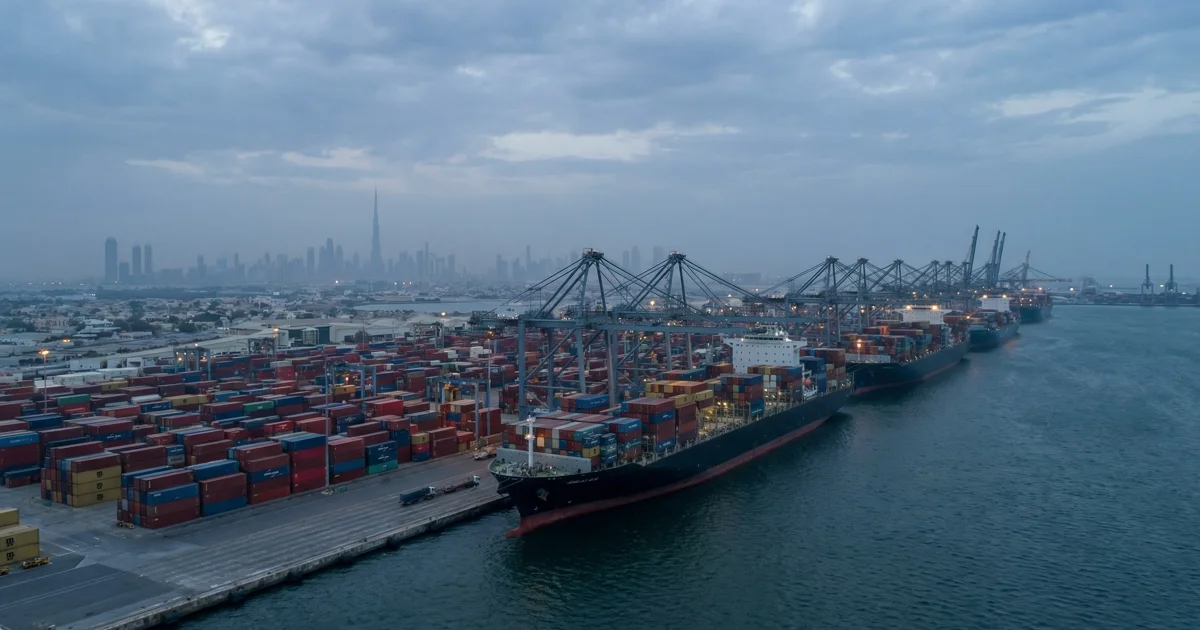
Dubai makes it worse
Inbox chaos is not the same everywhere. In Dubai, the problem is sharper.
First, there is channel duplication. YouGov and Zbooni report that 85% of UAE residents prefer WhatsApp for business. In practice, that means the quick discussion happens on WhatsApp, while the formal approval, attachment, or rate confirmation still lands in email. One conversation becomes two trails.
Second, the market is multilingual. The U.S. Commercial Service describes the UAE as a multicultural society where expatriates from over 150 countries make up more than 80% of the population. In forwarding, that often means switching between Arabic and English depending on the customer, supplier, or agent.
Third, Dubai bridges time zones. Asia starts early, GCC and Africa sit in the middle, and Europe comes alive later. The inbox refills in waves.
Fourth, Ramadan compresses the working day. The UAE Government states that private sector working hours are reduced by two hours per day during Ramadan. The same shipment volume still has to move, but the response window gets tighter.
And finally, business communication norms matter. The U.S. Commercial Service notes that prompt replies and courtesy are especially important in the UAE. So slow or messy communication is not just inefficient. It can feel disrespectful.
The fix is not a new tool - it's a new layer
Most forwarding teams do not have a CRM problem. They do not even have a TMS problem.
They have an inbox-layer problem. What if the answer is not replacing what you have, but adding what is missing between CRM and TMS?
CRM helps manage the commercial relationship. TMS helps maintain the operational record. Both are necessary. Neither is built to control the live stream of requests, replies, attachments, clarifications, and exceptions where freight work actually moves.
That missing layer is why good teams still feel overwhelmed. Response times slip, ownership blurs, and customers experience silence even when the team is working hard.
The fix starts with shared visibility, clear ownership, and cleaner routing. Then it moves toward AI-assisted extraction, fewer avoidable emails, and better customer updates.
See how Quantika adds the inbox layer to your freight operations.