📌 Key Takeaways
- People spend ~2.6 hours/day on email (28% of the workday) — freight teams feel far worse
- One booking can generate 10–20 emails; a routing workflow can create 20–40
- The inbox is not a workflow — it's a substitute for structure that breaks under volume
- The biggest win is preventing unnecessary email, not answering faster
- In Dubai, inbox overload is amplified by bilingual comms, UTC+4, Ramadan compression, and WhatsApp duplication
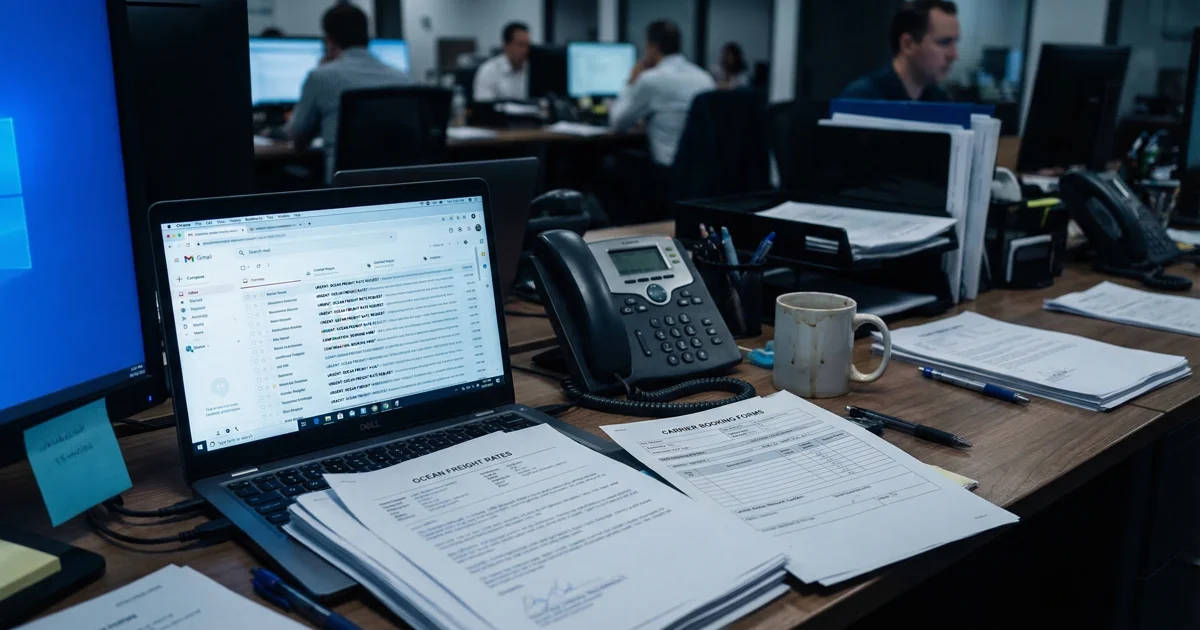
Most freight forwarders know the feeling but do not always say it out loud: the inbox is running the operation.
A typical team starts the day planning to quote, book, follow up, solve exceptions, and keep shipments moving. Instead, it spends the first part of the morning reading subject lines, triaging rate requests, reopening document chains, replying to status questions, and checking whether someone already answered the customer. By noon, the day feels busy. But much of that busyness is not freight work. It is inbox work.
That is why this issue matters so much inside the freight forwarding workflow. The email problem is not just about volume. It is about using the inbox as a substitute for structure. And once that happens, every booking confirmation, rate request, WISMO message, document follow-up, internal clarification, and carrier note starts competing for the same human attention.
The email problem freight forwarders won't admit
The freight industry has a strange habit of treating inbox overload as normal.
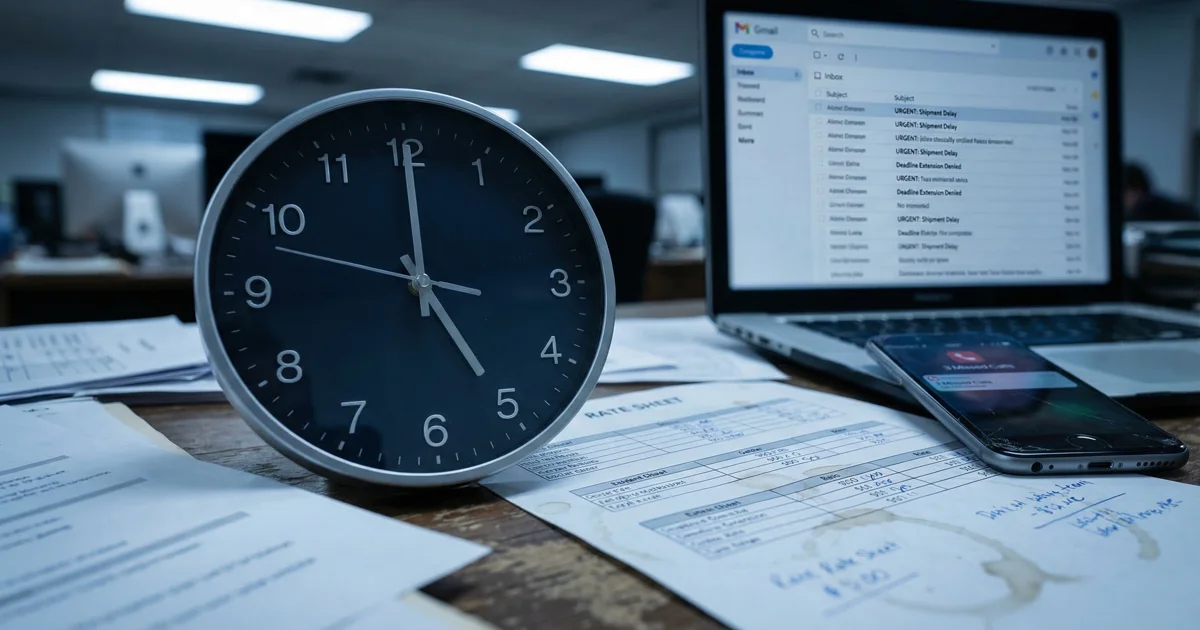
According to general workplace benchmarks often cited from HBR and McKinsey-style productivity research, the average worker spends around 2.6 hours a day on email, which translates to roughly 28% of the workday. That number is already high enough to be painful in any office. In forwarding, it becomes far more serious because email is not just one communication channel among many. It often becomes the place where quoting, booking, exceptions, documentation, and customer reassurance all collide.
Industry interview and vendor data suggest that a single booking confirmation flow can easily generate 10–20 emails. A routing workflow can create 20–40 emails. And active forwarders can experience inbox volume in the range of 300–400 emails a day.
This is the part many teams do not admit clearly enough: the inbox is no longer just a record of work. It is becoming the actual operating system. And that is a problem, because email is built for conversation, not for flow control.
What 300 emails a day actually looks like
People hear "300 emails a day" and imagine inconvenience. Freight teams experience something much worse.
Three hundred emails does not mean 300 neat, independent tasks. It means interruption stacked on interruption. A real day might look like this:
- 25 quote requests, half of them incomplete
- 40 booking and routing emails moving across multiple stakeholders
- 60 status inquiries from customers and internal sales teams
- 30 document requests or corrections
- 20 carrier schedule or cut-off changes
- 15 customs or compliance clarifications
- Dozens of internal forwards, approvals, and "did someone answer this?" messages
The problem is not simply reading time. It is context switching. A pricing coordinator may jump from an FCL rate request to a missing packing list, then into a vessel delay update, then into a customer asking whether THC was included. None of those tasks is impossible. But together they fracture the day.
And the inbox rarely comes alone. In many UAE freight teams, the same issue now appears in duplicate. The customer sends the request by email, then follows up by WhatsApp. According to local preference research, around 85% of UAE users prefer WhatsApp for communication. That does not mean email disappears. It means email overload often gets duplicated by chat pressure.
Dealing with the same challenge?
Book a free 30-min call — we'll map your email workflow together.
Book a Free Call →Why your inbox is not a workflow
An inbox is useful for receiving information. It is terrible at controlling operations.
A workflow tells you: what type of work this is, who owns it, what information is missing, what the next step is, what must be approved, what must be communicated externally, and what happens if nothing moves.
An inbox tells you only that a message arrived.
That distinction matters because too many freight teams confuse volume management with workflow management. They create folders, flags, labels, and shared inboxes, then hope that discipline will make the system work. But once volume rises, folders do not solve the underlying problem.
The inbox should not decide what matters. The workflow should. That means one simple operational shift: incoming communication must be turned into structured work as early as possible. If that does not happen, the desk keeps paying the same tax every day — rereading long threads, searching for the latest attachment, confirming whether someone replied, rebuilding shipment context from fragments, and prioritizing based on panic instead of business value. This is the same structural problem that makes rate request handling so error-prone.
The 5 email types that eat your team's day
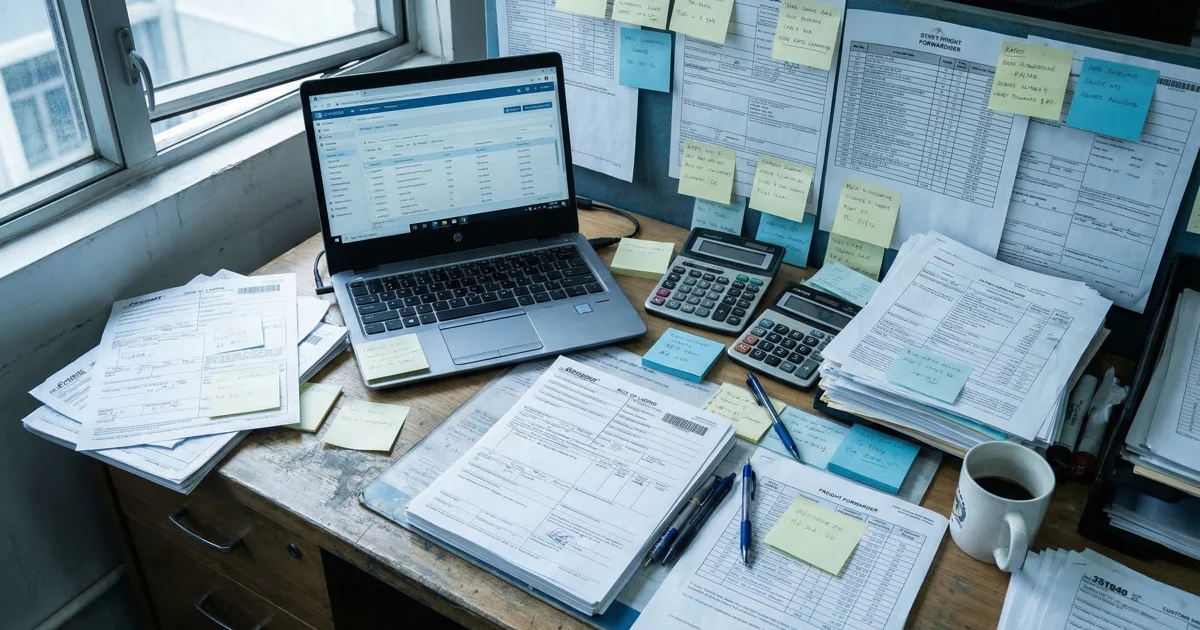
Not all freight emails are equal. Some are annoying but harmless. Others quietly consume the whole day.
1. Booking confirmations and routing chains
These are the emails teams often accept as "just part of the job," but they are among the biggest hidden time sinks. Industry data suggests one booking can trigger 10–20 emails, while a routing workflow can create 20–40.
2. Rate requests
Rate requests are commercially valuable, which is exactly why they are dangerous when trapped inside a noisy inbox. A quote request should be handled like time-sensitive revenue. But in many teams, it lands in the same place as everything else. That is how slow quoting starts costing real money.
3. WISMO and status inquiries
"Any update?" "Where is the container now?" "Did customs clear?" These requests often feel small, but their cumulative cost is huge. They break concentration, force repeated portal checking, and create a loop where the same shipment can generate multiple status messages in one day. This is exactly the communication gap that erodes client trust.
4. Document requests and corrections
A missing B/L draft, wrong commercial invoice detail, changed consignee address, revised HS line, corrected packing list — each issue seems routine. But document traffic expands quickly because it creates parallel versions of truth.
5. Internal coordination and carrier communication
This category is often underestimated because teams treat it as "normal internal work." But if a desk constantly needs internal follow-ups just to know what is happening, that is not efficient coordination. That is hidden process debt.
What a controlled email workflow looks like
The biggest win is not answering more email faster. It is preventing unnecessary email from being created in the first place.
1. It separates intake from execution
Incoming quote requests, booking requests, status updates, and document corrections should not all land in one undifferentiated queue. If the desk knows immediately whether something is a revenue request, a live-shipment exception, a document issue, or low-priority admin noise, the team stops burning time on triage.
2. It prevents duplicate questions
A large share of inbound email volume exists only because customers and internal teams do not get the right information early enough. Structured updates and automatic notifications prevent the email from ever being created.
3. It turns repetitive work into standard responses
Not every answer should be handwritten from scratch. If the same booking update, document request, or milestone explanation gets written ten times a day, the process is wasting human attention.
4. It keeps context attached to the shipment
A controlled workflow makes it easy to see the history, current status, key documents, and recent communication in one place. The operator should not have to rebuild the shipment story from separate threads.
5. It uses exceptions as the real trigger for human urgency
Most desks are too reactive because they treat every message as urgent. A stronger process reserves true urgency for exceptions that change customer outcome, shipment timing, or margin exposure. This is where response time discipline makes the biggest difference.
How Dubai teams are handling inbox volume
Dubai adds a specific type of pressure to inbox management. This is not only about more cargo. It is about more handoffs, more communication styles, and more timing complexity.
Bilingual communication. Teams may need to move between English and Arabic depending on customer, consignee, government interaction, or internal office norm.
Timezone positioning. UTC+4 makes Dubai a bridge between Asia, Europe, and regional GCC operations. That stretches the communication day.
Duplication between email and chat. In practice, many UAE teams now operate with email as the official record but WhatsApp as the urgency layer. The same request arrives twice, or gets confirmed twice, or gets chased twice.
Courtesy norms. In MENA business culture, responsiveness carries relationship weight. A delayed reply can be interpreted as inattentive or careless.
Ramadan compression. During Ramadan, effective working hours often shrink even when cargo pressure does not. A desk that already feels overloaded suddenly feels buried because the same communication volume must be processed in a shorter day.
Strong Dubai teams are not trying to "work harder" through the inbox. They are trying to stop the inbox from becoming the primary coordination layer in the first place:
- They standardize what goes to email versus what should trigger structured updates
- They reduce duplicate communication across channels
- They clarify ownership early
- They plan communication rhythm around compressed periods like Ramadan
- They treat customer-facing clarity as part of execution, not as an afterthought
Quick audit: how overloaded is your inbox?
- Does the same shipment often generate updates across both email and WhatsApp?
- Do quote requests sit in the same queue as routine booking or status traffic?
- Do staff regularly ask, "Has anyone replied to this already?"
- Are booking confirmations and routing changes spread across long fragmented threads?
- Do customers send repeated "Any update?" emails on active shipments?
- Does document traffic create confusion about which file version is current?
- During Ramadan or peak periods, does reply quality visibly drop?
- Does one person act as the default human router for the whole inbox?
- Are important rate requests delayed because low-value communication floods the queue?
- If someone on the desk is absent, does inbox control deteriorate immediately?
If you answered "yes" to three or more, the problem is already structural. If five or more — the inbox is not just overloaded. It is interfering with how the business runs.
FAQ
What is the biggest email problem in freight forwarding?
The biggest problem is not email volume by itself. It is using the inbox as the actual workflow for quoting, booking, updates, documents, and exceptions.
How many emails can one freight shipment generate?
Industry data suggests a booking confirmation flow can generate 10–20 emails, while a routing workflow can generate 20–40.
Why is freight forwarding email management so hard?
Because email is being used to coordinate work that really needs structure: ownership, context, prioritization, and handoff control.
Does freight forwarder software solve inbox overload automatically?
Not automatically. Software can help only if it reduces unnecessary email at the source and turns incoming communication into structured work.
Why is inbox overload worse in Dubai and MENA?
Because teams often deal with bilingual communication, UTC+4 bridging across regions, Ramadan schedule compression, and duplicate communication across WhatsApp and email.
Conclusion
Freight teams do not lose hours every week on email because they are disorganized people. They lose those hours because the inbox is doing work it was never designed to do.
The strongest teams do not win by writing faster replies forever. They win by preventing unnecessary email, controlling what enters the queue, and making sure the inbox stops acting like the operating system.